
Table of Contents
- Why the fiscal-year boundary is the best time to switch
- What is changing in FY 2083/84
- The new-fiscal-year switch checklist
- Step 1 - Close out the old fiscal year (before Ashad-end)
- Step 2 - Prepare your clean opening data
- Step 3 - Configure the new system
- Step 4 - Run a parallel test
- Step 5 - Go live on Shrawan 1
- How NepalHRM makes the switch clean
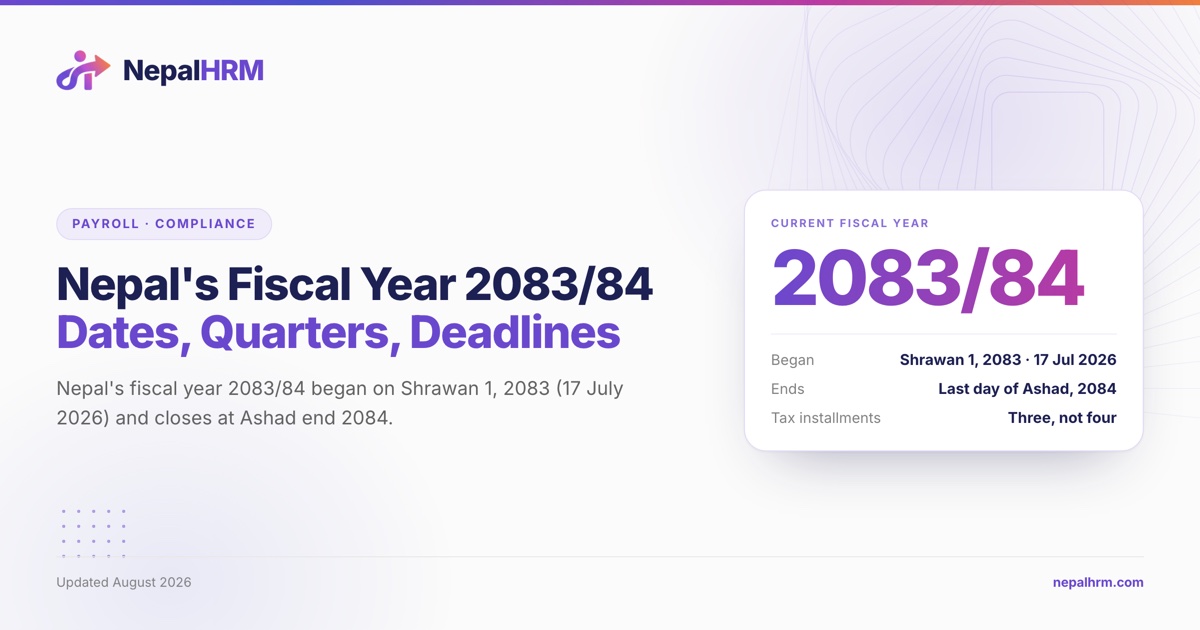
The end of the fiscal year is the busiest time for every HR and finance team in Nepal - and it is also the single best moment to move onto better HR and payroll software. Nepal's new fiscal year, FY 2083/84, begins on Shrawan 1, 2083 (around 17 July 2026), the day after the current FY 2082/83 closes at the end of Ashad. Start your first payroll of the new year on a clean system and you avoid migrating half a year of messy data later.
This year the timing matters even more. The FY 2083/84 budget, tabled on 15 Jestha 2083 (29 May 2026), announced a significant change to personal income tax. If you are still running payroll on spreadsheets - or on software that does not update Nepali tax rules for you - the new fiscal year is the moment to switch.
This guide is a practical, step-by-step checklist for moving your company's HR and payroll onto a new platform at the fiscal-year boundary, without breaking a single statutory balance.
Why the fiscal-year boundary is the best time to switch
Switching mid-year means carrying forward partial-year payroll: year-to-date tax already deducted, PF and CIT balances, SSF contributions, and accrued leave - all mid-cycle. That is where migrations go wrong.
Switching at Shrawan 1 removes most of that risk:
Tax restarts from zero. Annual income tax in Nepal is calculated per fiscal year. Going live on day one of the new year means there is no year-to-date tax to reconcile across two systems.
A natural cut-off for balances. You close PF, CIT, SSF, gratuity, and leave on the old system at Ashad-end, then open clean balances in the new one.
One source of truth from the first payslip. Every report for FY 2083/84 - payslips, tax statements, eTDS - comes from a single system.
New tax rules apply going forward. Any rate change for the new year takes effect from Shrawan 1, so you are not retrofitting it into a half-finished year.
What is changing in FY 2083/84
The FY 2083/84 budget announced a major revision to personal income tax for resident individuals. As reported from the budget, the schedule is:
Annual income (NPR) | Rate |
|---|---|
Up to 1,000,000 | 1% |
1,000,001 - 1,500,000 | 10% |
1,500,001 - 2,500,000 | 20% |
2,500,001 - 4,000,000 | 27% |
Above 4,000,000 | 29% |
The headline changes are large: the effective tax-free threshold roughly doubles to NPR 1 million, the structure becomes unified for all resident individuals (removing the separate single/couple slabs), and the top marginal rate drops from 39% to 29%.
The practical takeaway: tax rules change with the new year. Software that does not track Nepali rates forces you to re-do slabs by hand - exactly the work the switch is meant to eliminate.
The new-fiscal-year switch checklist
Step 1 - Close out the old fiscal year (before Ashad-end)
Run and finalise the Ashad / final payroll of FY 2082/83.
Generate and file the year's eTDS and tax statements.
Reconcile PF, CIT, SSF, and gratuity balances with your fund statements.
Settle pending advances, loans, and reimbursements.
Export each employee's year-to-date earnings, deductions, and tax.
Lock the old period so no one edits a closed year.
Step 2 - Prepare your clean opening data
Build a current employee master: name, designation, PAN, bank account, SSF/PF IDs, join date.
Confirm each salary structure (basic, allowances, benefits) for the new year.
Capture opening balances as of Shrawan 1: leave balances, loan balances, PF/CIT/gratuity carried forward.
List your statutory setup: tax slabs for FY 2083/84, PF/SSF/CIT rates, festival/leave policy, Bikram Sambat fiscal calendar.
Step 3 - Configure the new system
Load the employee master and salary structures.
Enter opening balances (not full history - you closed the old year already).
Apply the FY 2083/84 tax slabs and statutory rates (in NepalHRM these seed automatically - see below).
Connect biometric / attendance devices and set shift and leave rules.
Set up approval workflows and give employees mobile self-service access.
Step 4 - Run a parallel test
Run the first new-year payroll in the new system and, for one cycle, alongside your old method.
Compare gross, tax, PF/CIT/SSF, and net pay line by line.
Resolve any difference before you pay - usually a rate, a rounding rule, or an opening balance.
Step 5 - Go live on Shrawan 1
Process the first official FY 2083/84 payroll on the new system.
Issue payslips (NepalHRM supports bilingual Nepali + English payslips).
Generate the eTDS file for the period from the new system, then upload it to the IRD portal yourself.
Archive the old system as read-only for audit and reference.
How NepalHRM makes the switch clean
NepalHRM is built for exactly this moment. The platform handles Nepali payroll end to end - PF, CIT, SSF, eTDS, and the income-tax slabs - and updates them as the rules change, so you are not re-entering rates by hand each fiscal year. A one-click "Reinstall Nepal Defaults" seeds the current tax slabs and statutory rates, and the whole system runs in both AD and Bikram Sambat calendars so your Shrawan-to-Ashad reporting lines up without a parallel spreadsheet.
Practical things that de-risk a fiscal-year switch:
Free for teams up to 10 employees, so smaller companies can start with no budget approval - see pricing.
Onboarding support for employee imports, salary structures, and opening balances.
Biometric attendance that flows straight into payroll - no Excel matching.
A mobile app so employees see payslips, leave, and attendance from day one.
If you want to see your own payroll run inside the system before you commit, book a demo - the team will walk through your salary structure and the FY 2083/84 setup with you.